Motion graphic elements are the secret sauce that transforms ordinary footage into eye-catching, scroll-stopping content. In this video, I’m walking you through **5 simple motion graphic elements** that anyone can create—even with minimal experience. From animated titles to dynamic icons and transitions, each element is designed to grab attention, highlight key information, and give your videos that “professional designer” feel without the learning curve.
Add Motion Graphic Elements Every Beginner Should Know
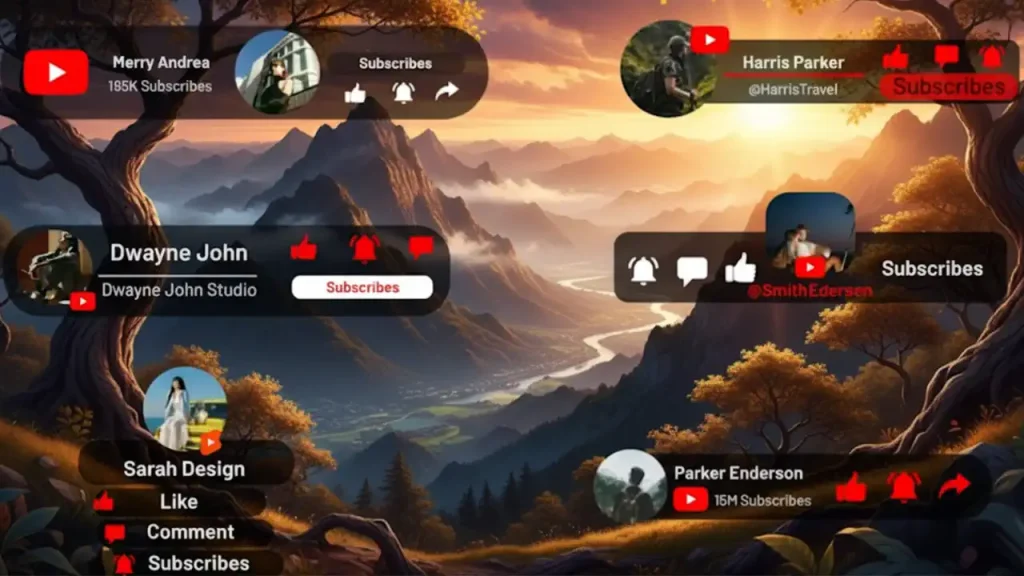
Take your YouTube videos from “nice” to next-level polished with this YouTube Subscribe Titles pack — a must‑have motion graphics asset for creators who want more subs, likes, and viewer engagement without the headache of doing it from scratch.
This template collection lets you drop in animated subscribe buttons, call‑to‑action reminders, and eye‑catching title elements right into your editing timeline. They’re fully customizable — change colors, sizes, positions, and timing in seconds for Premiere Pro and After Effects. With ready‑to‑use animations optimized for all formats (horizontal, vertical, square), you can enhance YouTube videos, Instagram Reels, Shorts, or TikToks in a flash. Whether you’re a beginner or a pro, this is one of those resource packs that turns passive viewers into active subscribers.
Build Your Motion Graphic Element Toolkit
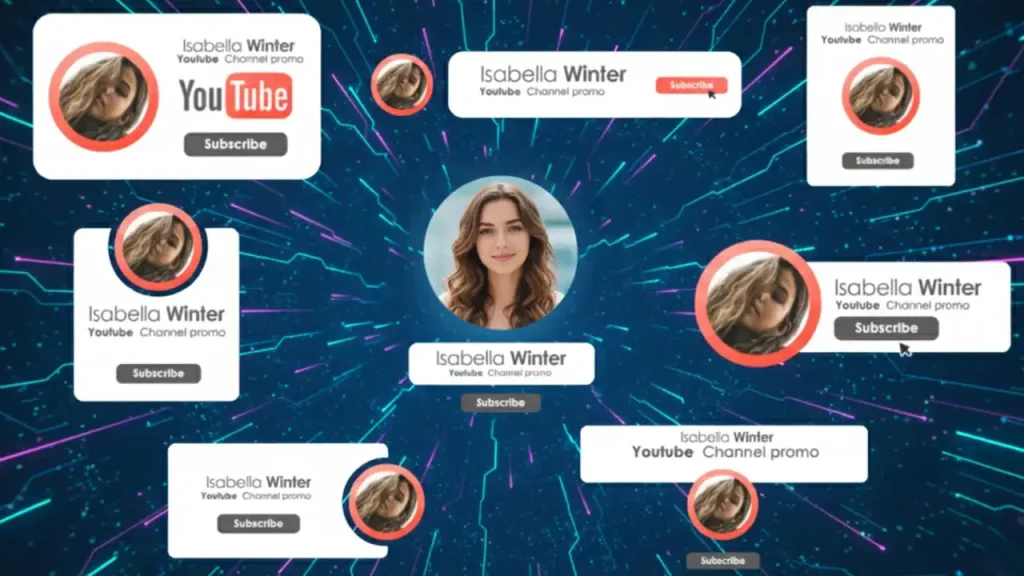
Want to make your YouTube videos look instantly more professional without spending hours in After Effects or Premiere Pro? This YouTube Titles template from Envato Elements gives you sleek, animated title scenes that elevate your editing game in minutes. Whether you’re introducing chapters, teasing topics, or adding dynamic text overlays, this pack lets you drag‑and‑drop stylish typography into your timeline and customize it in seconds — no plugins required. Perfect for creators, vloggers, educators, and brand storytellers who want consistent, eye‑catching titles that keep viewers engaged and boost watch time. With full compatibility for After Effects (and often customizable to Premiere Pro via Essential Graphics), this is the fast track to cinematic titles that feel custom‑built for your content.
YouTube Motion Graphics Pack: Notification Alerts You Can Edit
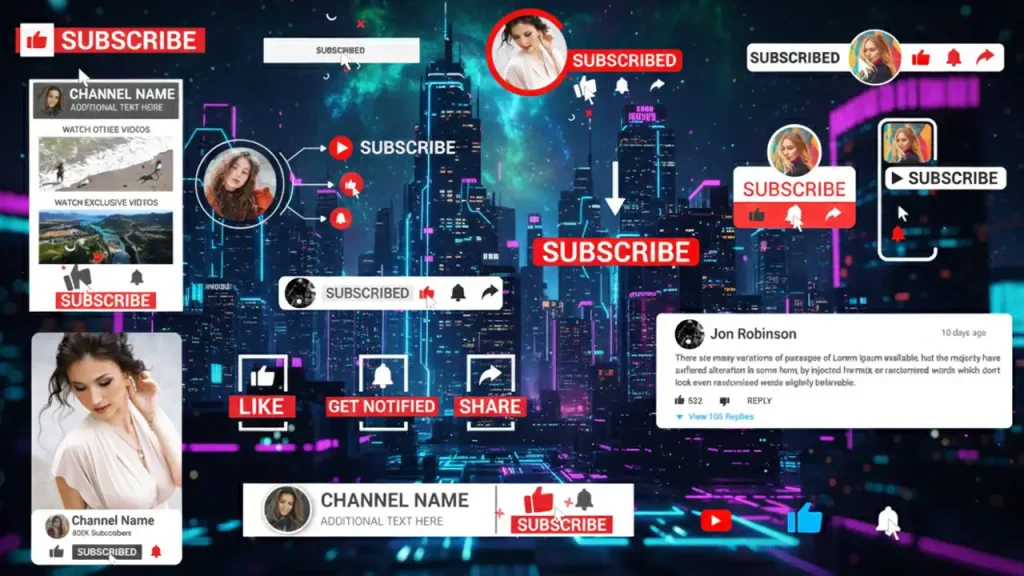
Looking to make your YouTube videos instantly more interactive and professional? This YouTube Notification Pack gives you 17 clean, fully animated notification elements that you can drag right into your edits — no plugins required. Envato
Whether you want to remind viewers to subscribe, hit the bell, like, or follow, these animations are compact, stylish, and optimized for After Effects. They’re perfect for creators who want polished call‑to‑actions without spending hours animating from scratch. With a customizable design and video tutorial included, this pack is ideal for vloggers, educators, brands, and social media storytellers who want to boost engagement and retention.
Easy After Effects YouTube Subscriber Graphics
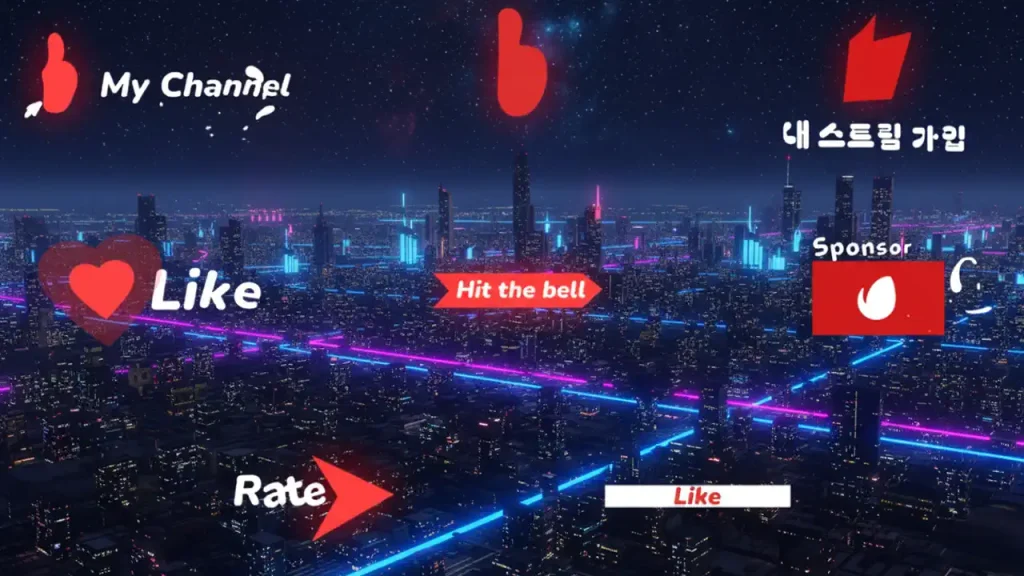
Want to *turn casual viewers into loyal subscribers* without spending hours animating from scratch? The **YouTube Subscribers for After Effects** pack gives you clean, professional motion graphics that showcase your subscriber numbers, animate your brand logo, and make your channel look instantly more polished in every video. Whether you’re celebrating milestones, displaying live subscriber goals, or adding dynamic text and banner animations, this template makes it *effortlessly stylish* — even if you’re new to After Effects. Fully customizable and easy to edit, it’s the perfect tool for YouTubers, editors, and content creators who want compelling visuals that *boost engagement and grow their channel.* 👇
* 🔹 Designed for **Adobe After Effects**
* 🔹 Easy to customize title, graphic, and subscriber elements
* 🔹 Works with your logo and brand colors
* 🔹 Drag‑and‑drop ready — no plugins required
* 🔹 Helps make your videos *feel premium and attention‑grabbing*
Stand out from the crowd and give your channel the visual upgrade it deserves with animated subscriber graphics that feel like *high‑end broadcast design,* but without the cost or complexity.
YouTube Buttons Pack – Add Custom Social Graphics to Your Videos
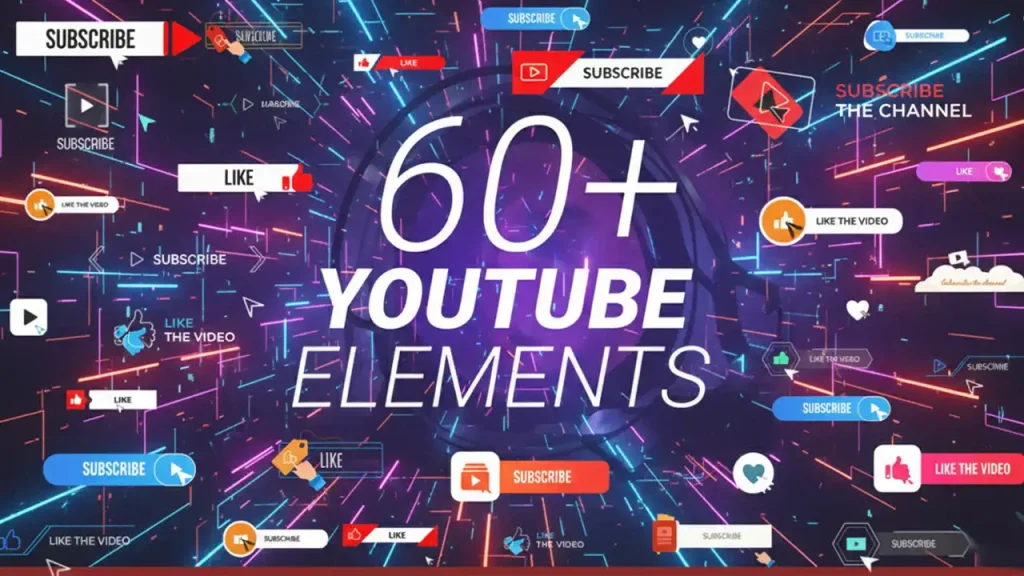
Want your YouTube videos to feel instantly more polished and engaging without animating buttons from scratch? The YouTube Buttons Subscribe Pack gives you 60+ animated elements — including subscribe, like, bell, and share buttons, channel info, and social links — in crisp 4K resolution and six unique style categories (creative, minimal, travel, cute, classic, science). You get smooth in/out animations, fully editable text and fonts, and timeline markers so you can adjust durations without fuss — all directly inside Adobe After Effects. No plugins required and PDF help included, so even beginners can customize everything from colors to cursor styles in minutes. It’s basically a visual upgrade for your channel’s call‑to‑action graphics, helping boost engagement while keeping your brand consistent and professional.
Motion Graphic Tweaks That Transform Your Video Quality
That’s it for today’s motion graphic tips! motion graphic tweaks that can completely reshape your video quality without adding hours to your workflow. These tweaks aren’t about flashy effects—they’re about **guiding the viewer’s eye, enhancing clarity, and adding subtle polish**. If you want to go even further, check out the next video in this series, where we reveal **advanced motion graphic secrets top editors use to make videos irresistible**. Don’t forget to **like, subscribe, and drop a comment** on which tweak you’ll start using first. Your next viral video could be just a few adjustments away!