Most videos don’t look unprofessional because of bad footage — they look unprofessional because of bad details. And nothing exposes an amateur edit faster than sloppy lower thirds. Animated lower thirds are the subtle design weapon that separates “just another video” from polished, client-ready content. In this guide, we’re breaking down the Top 5 Motion Lower Thirds for Professional Video Editing — templates that add clarity, branding, and credibility without stealing the spotlight. Whether you’re editing YouTube content, corporate videos, or high-end commercials, these lower thirds help your work instantly feel intentional, modern, and professional.
Lower Thirds Pack That Makes Your YouTube Content Look Premium
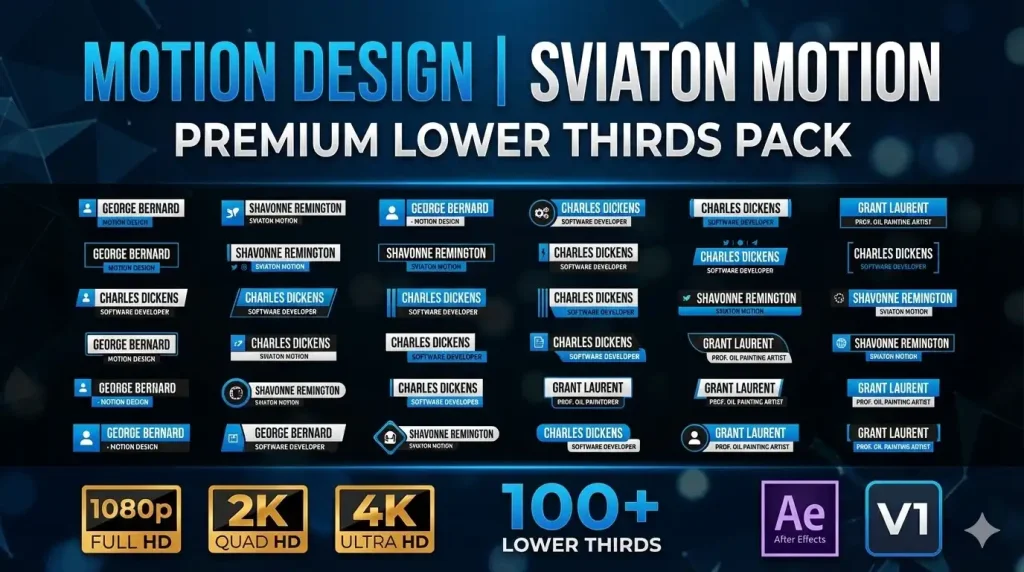
Looking to instantly elevate your video’s professionalism and visual polish? This Envato Elements Lower Thirds & Titles Pack — featuring luxury‐style lower thirds and logo integrated graphics is a game-changer for editors, content creators, and brands alike. With this template bundle you get fully animated lower thirds that can be seamlessly dropped into After Effects projects without any plugins required — perfect for everything from corporate presentations and broadcasts to YouTube content and branded promos.
Whether you want to highlight a speaker’s name, reinforce your brand identity, or simply enhance your storytelling with stylish text animations, this pack delivers clean, elegant, and modern lower third designs that keep your messaging sharp and your visuals captivating.
Modern Lower Third Templates for After Effects
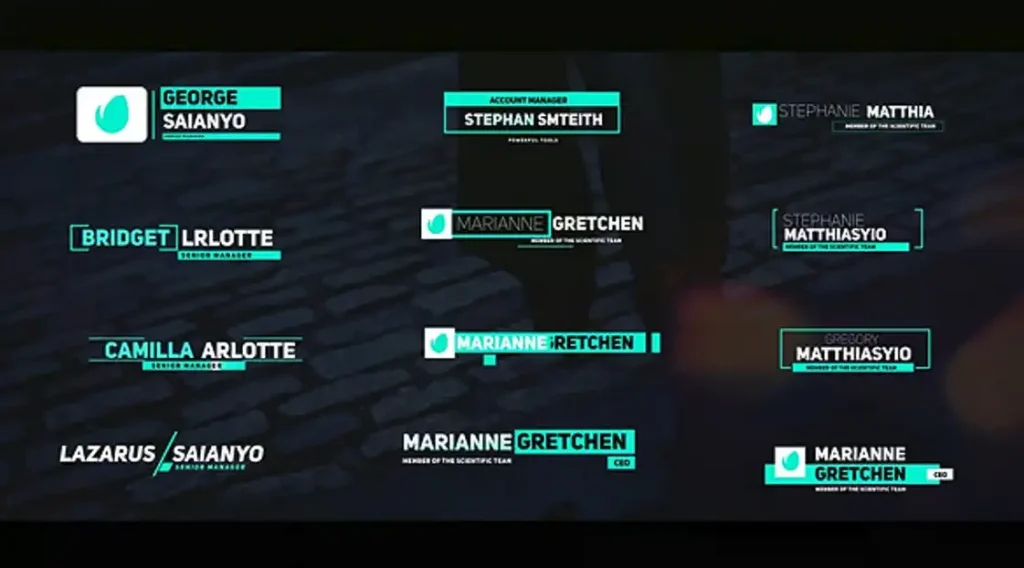
Level up your video productions with a sleek, professional lower third graphics pack designed to instantly boost your visual storytelling and brand presence. The Modern Lower Third template from Envato Elements gives editors and motion designers a set of 26 fully animated lower thirds that are easy to customize and perfect for a wide range of projects — from news broadcasts and interviews to podcasts, corporate videos, and YouTube content. Envato
This After Effects-ready pack includes high-quality lower third animations that support 1920×1080 resolution with 4K scalability, and best of all — no plugins required, so you can drop them straight into your timeline and start editing right away. Envato Each lower third is built for clarity and modern aesthetics, letting you showcase names, titles, roles, social handles, or brand messaging in a way that feels stylish yet unobtrusive. Envato
Highlights you’ll love:
- 🎥 26 distinct lower third designs — diverse looks for every style
- 🛠️ Easy color and text customization — tailor to your branding
- 📏 Scalable to 4K resolution — future-proof quality
- 📦 No plugins needed + tutorial included — smooth workflow
- ✨ Perfect for broadcast, web, and social video — versatile professional use Envato
How to Use the Trendy Ramp Lower Thirds Pack to Elevate Your Videos
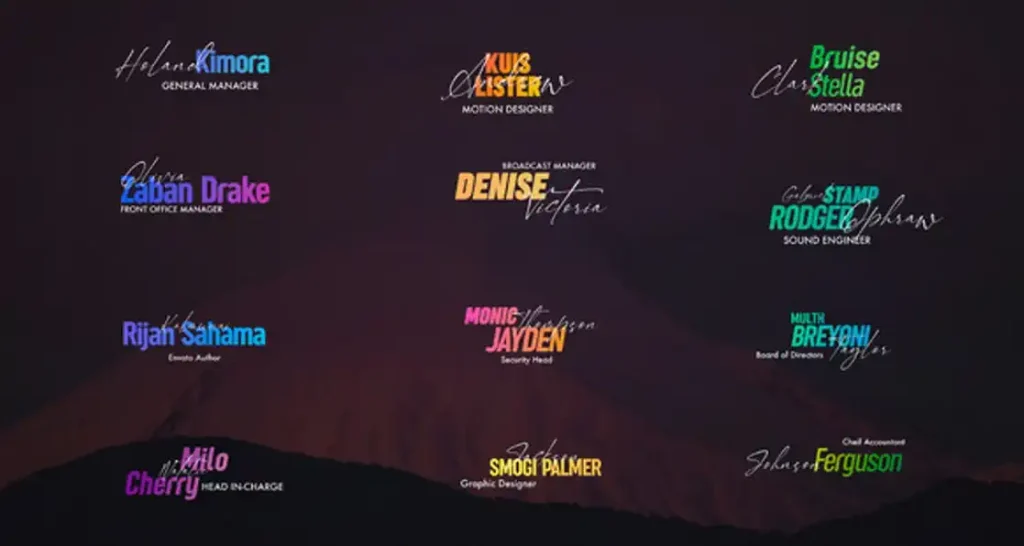
Give your videos an instant visual upgrade with the Lower Thirds – Trendy Ramp pack — a stylish, modern set of animated lower third graphics designed for today’s dynamic content creators and professional editors. These lower thirds bring movement, clarity, and personality to your storytelling, whether you’re crafting corporate videos, YouTube content, social media promos, interviews, or event footage. Available on Envato Elements, this pack makes it easy to add crisp text animations that feel contemporary without overwhelming your visuals (link above). Envato
This template pack is built for editors who want effortless integration and smooth aesthetics. It includes multiple pre-animated lower third designs — each with trend-inspired motion and ramp effects that draw attention without distracting from your main content. Best of all, it works with popular editing tools like After Effects and Premiere Pro, and usually doesn’t require any plugins, so you can customize text, color, logo, and duration straight away. AE Project
Why you’ll love it:
- 🎯 On-trend animations that keep your videos feeling fresh and modern
- 🔧 Easy to customize — adjust colors, text, and logo to suit your brand
- 🚀 Perfect for multiple projects — from social and broadcast to films and promos
- 🖥️ Multi-tool friendly — typically works in AE and Premiere
- 🎥 Adds professional polish without the need for complex motion-graphic workflows
Whether you’re labeling participants in an interview, showcasing key information, or building a branded visual style across platforms, the Trendy Ramp lower thirds pack helps you communicate with confidence and style.
How to Use the 3D Titles Pack from Envato Elements to Enhance Video Production
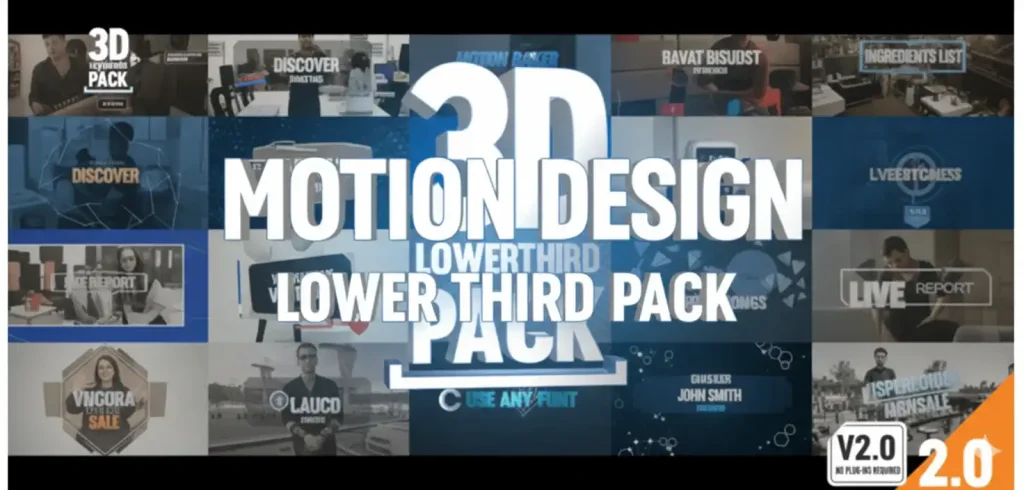
Transform your videos from flat to fully immersive with the 3D Titles Pack from Envato Elements — a dynamic video template that brings striking three-dimensional text animations and titles straight into your motion design workflow. Whether you’re crafting bold intros, cinematic sequences, branded promos, or informative call-outs, this pack adds visual depth and motion sophistication that instantly elevates your content. Envato
Designed for ease of use and high impact, this 3D Titles Pack works seamlessly with After Effects and delivers rich, layered text animations that feel modern, engaging, and professionally produced — all without needing complex rigs or extra plugins. Just customize the text, tweak colors, and drop them into your timeline to watch your stories come alive in three dimensions. Envato
Why this pack stands out:
🔥 Bold 3D text animations that add depth and visual interest to any project
🎯 Versatile compatibility with After Effects for smooth integration
🧠 Built-in creativity perfect for titles, lower thirds, text openers, and emphasis callouts
⚡ Professional polish without the steep learning curve — great for editors and creators alike
📈 Perfect for YouTube videos, corporate promos, event recaps, social reels, and broadcast pieces
Whether you’re looking to create an attention-grabbing opening title, enhance visual storytelling, or reinforce messaging with impactful typography, the 3D Titles Pack helps you stand out with dimension, style, and motion — making it a must-have addition to your creative toolkit.
Design Trends: What Makes a Great Lower Third in 2026
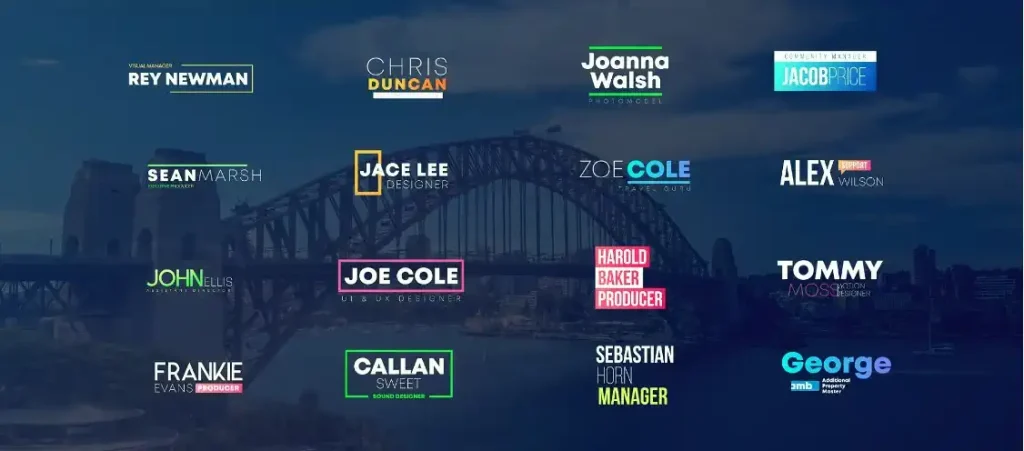
Take your video projects to a whole new level of clarity and professionalism with the Lower Third – Titles pack from Envato Elements. This versatile template brings clean, dynamic, and fully customizable lower third animations into your creative workflow — perfect for everything from interviews, documentaries, and medical videos to corporate content, news segments, and educational pieces. With this pack, your viewers instantly know who’s speaking and what’s important, all without distracting from your core visuals. Envato
Whether you’re working in After Effects, Premiere Pro, Final Cut Pro, or DaVinci Resolve, this template gives you polished title animations that are easy to edit and customize. You can adjust text, colors, fonts, positions, and animation timing, making it ideal for creators who want a professional look in just a few clicks. Envato
Why this Lower Third pack is a must-have:
- 🎥 Versatile, context-driven designs — great for medical, documentary, interview, and informational content
- 🛠️ High customizability — edit text, colors, duration, and style to match your brand or project
- 🚀 Supports multiple editing platforms — including AE, Premiere, FCP, and Resolve
- 📊 Professional, readable typography that enhances clarity and viewer retention
- 📦 Streamlines workflow — drop in, customize, and render without wasting time
Perfect for editors, content creators, and storytellers who want to communicate clearly and look professional. Add context, reinforce branding, and make every lower third count with this dynamic titles pack from Envato Elements.
Lower Thirds for YouTube: From Vlogs to News-Style Content
Lower thirds may seem like a small design element, but on YouTube, they quietly do a lot of heavy lifting. From introducing vlog hosts and tagging social handles to adding credibility in news-style content, the right lower thirds help your videos feel structured, intentional, and trustworthy. When used well, they guide attention without interrupting the story — and that’s what separates casual uploads from professional content. Choose clean animations, stay consistent with branding, and remember: the best lower thirds don’t shout — they support the message.